Architecture
Architecture Tiers
CCP is organized into four layers that follow the same path a user's request takes through the platform: you log in through a portal, you provision and manage cloud resources from that portal, the platform's orchestration engine automates the work behind the scenes, and everything ultimately runs on physical infrastructure. The diagram below reads top to bottom, following that exact flow — the same journey described in the Product User Guide and Admin Guide.
How to read it:
- Access & Identity — Every session starts at a portal. End users and tenant admins work in the Self-Service Console; platform operators work in the Admin Console. Both sit behind the same secure, multi-tenant login, so permissions are enforced consistently no matter which portal you use.
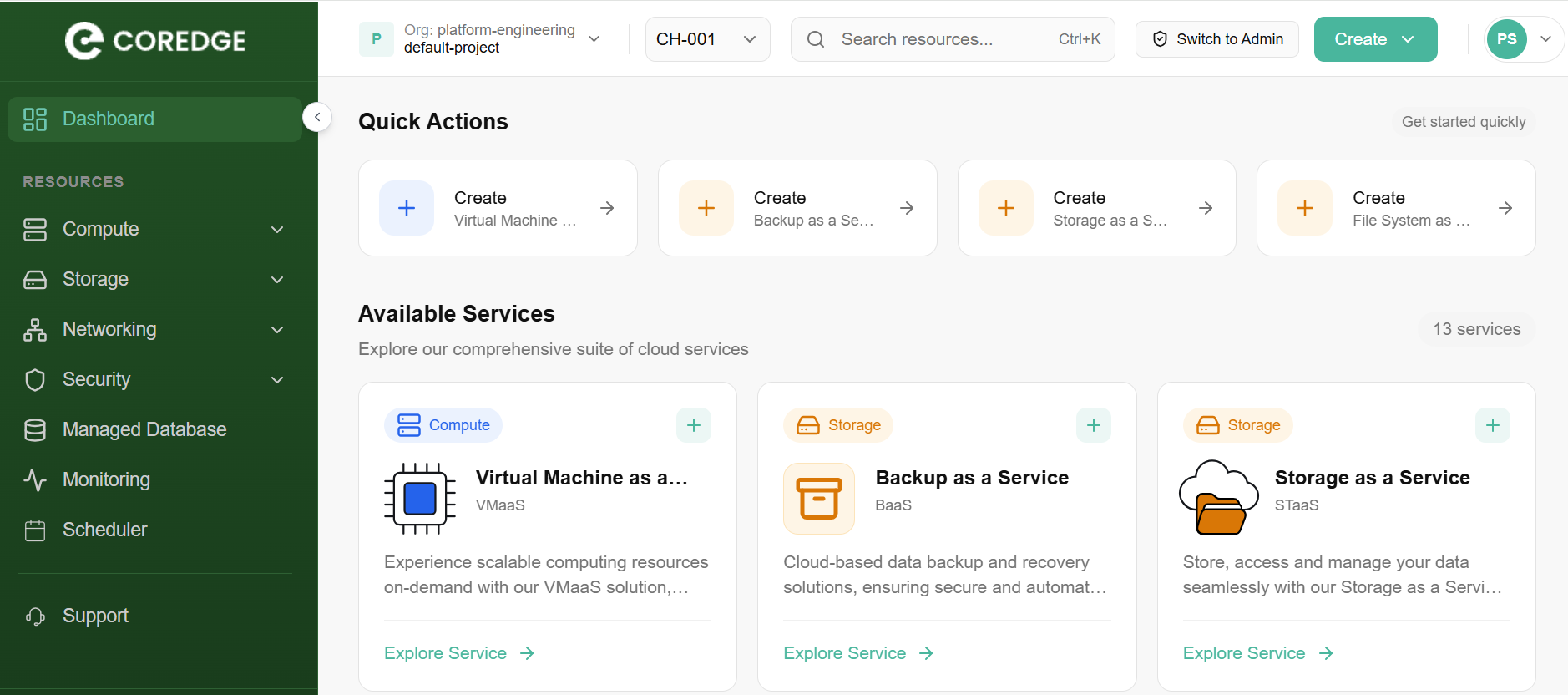
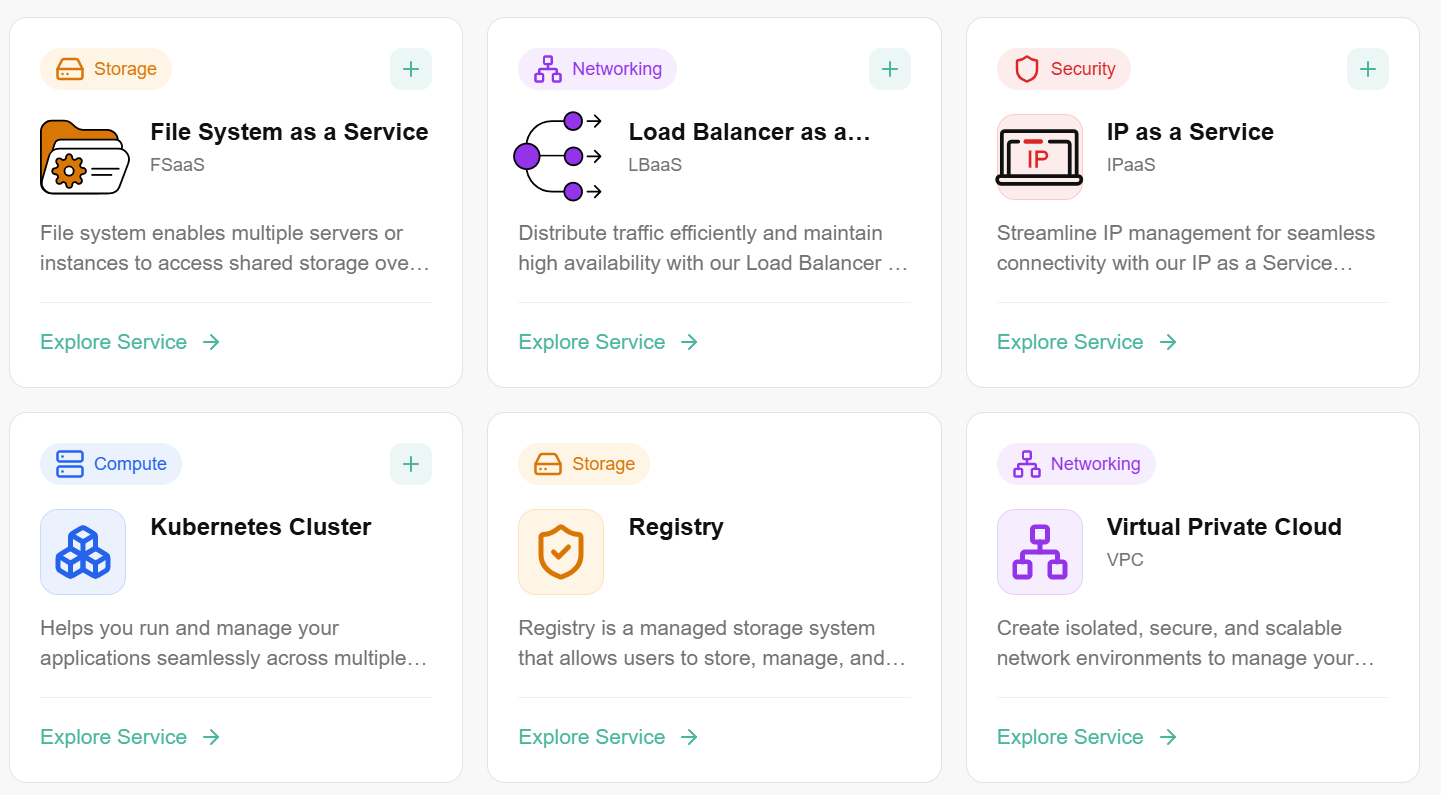
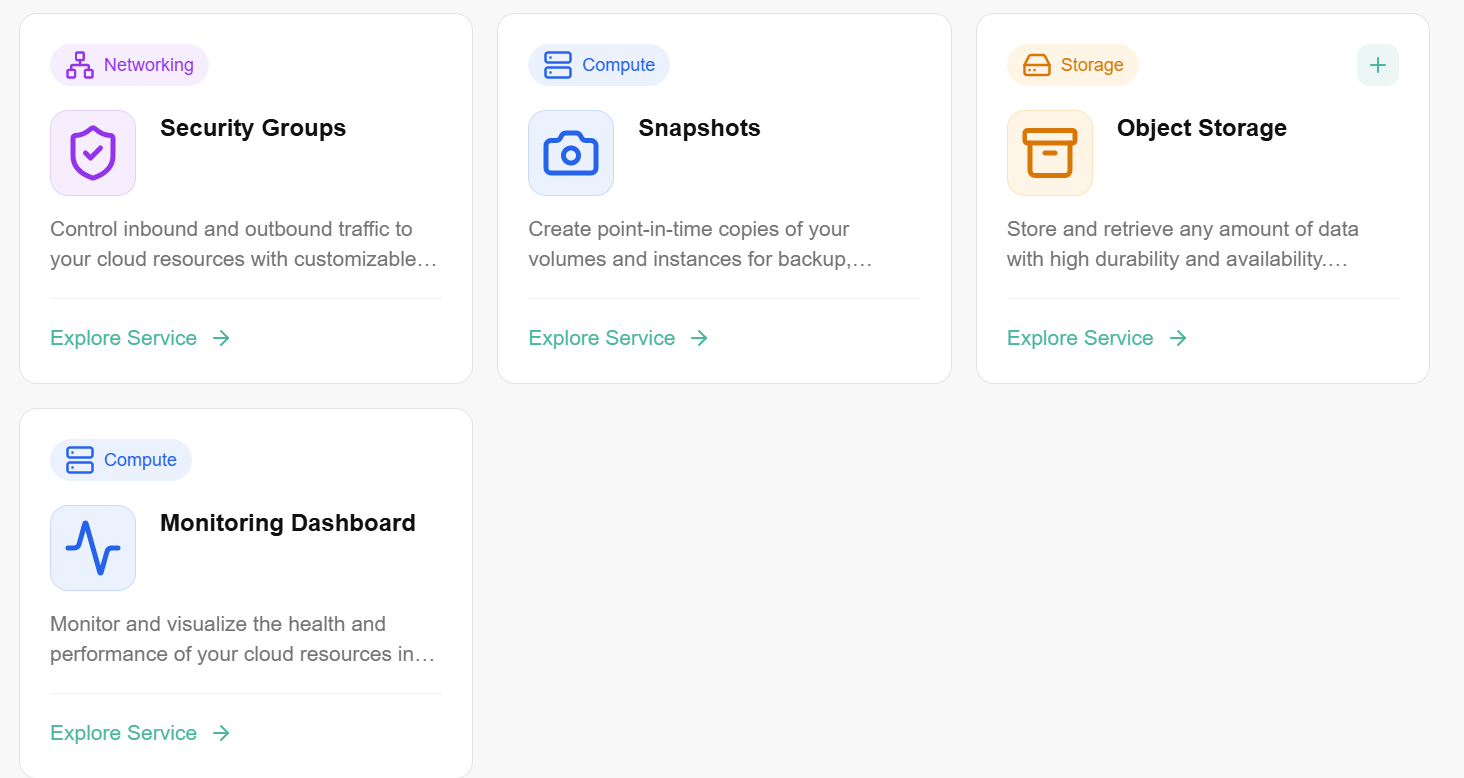
- Provision & Manage — Whichever console you're in, you're really managing the same six building blocks: Compute, Storage, Networking, Security, Monitoring, and Billing. This is the layer users spend the most time in — creating VMs, attaching volumes, configuring firewalls, watching dashboards.
- Orchestration Engine — Behind every click, CCP's workflow engine translates your request into the right backend action — spinning up a VM or bare-metal host through OpenStack, or a container workload through Cloud Orbiter/Kubernetes — without you needing to know which system is doing the work.
- Physical Infrastructure — All of it ultimately lands on real compute nodes, storage arrays, and network fabric, spread across multiple Availability Zones for resilience.
Platform Component Map
| Layer | Components |
|---|---|
| Portal & API | Self-Service Console, Admin Console, REST API Gateway, WebSocket notifications |
| Identity & Access | Authentication, multi-tenant IAM, fine-grained authorization, SAML federation |
| Orchestration | Cloud lifecycle management, IaaS provisioning, Kubernetes cluster orchestration |
| Compute | Virtual machines, Kubernetes clusters, bare metal provisioning, snapshots |
| Storage | Block volumes, shared file, object buckets, archival, container registry |
| Networking | VPC, subnets, security groups, NAT gateway, elastic IPs, load balancers, VPN, DNS |
| Security | Firewall rules, SSL certificate management, cyber security requests, RBAC |
| Monitoring | Per-resource metrics, dashboards, alert rules, access logs |
| Metering & Billing | Tenant/cell quota management, showback, notional invoicing, quota requests |
| Database | Platform state, session management, caching, audit store |
| Backup | Incremental and full backup, geo-replication |
Key Microservices
- console — Self-Service Portal UI; primary user-facing interface for VM, storage, networking, and Kubernetes provisioning
- admin-console — Admin Portal UI; operator interface for tenant lifecycle, quota packages, catalogs, and provider management
- platform — Core platform APIs; compute, volume, network, and core-mgmt functionalities
- admin-platform — Admin platform APIs; manage flavors, images, availability zones, regions, and virtual resource constructs
- auth — Keycloak authentication service; identity management and per-tenant realm isolation
- orbiter-api — API server for Cloud Orbiter; exposes Kubernetes cluster management and application deployment APIs
- orbiter-controller — Backend runtime engine for orbiter-api; handles Kubernetes orchestration logic
- orbiter-auth — Authorization gateway for the Cloud Orbiter subsystem
- orbiter-metering — Metering, showback, quota management, and licensing
- orbiter-term — In-browser terminal; Kubernetes shell access for managed and imported clusters
- core-mgmt — Project manager service; organizations, cells, user mappings, and resource hierarchy
- onboarding — User and organization onboarding workflows
- workflow-controller — Declarative workflow engine; provisioning, lifecycle, and step sequencing
- notification — Sends notifications to external platforms — SMS, email (SMTP), webhooks
- socketio — Pushes real-time events and notifications to the console UI
- storage-plugin — Storage capabilities integration
- baremetal-plugin — Bare metal server management via MaaS backend
- observability-ui — Cluster observability UI; exposes CPU, RAM, and cluster metrics
- OpenFGA — Fine-grained authorization database; RBAC enforcement at every API boundary
- kafka — Internal messaging queue for inter-component communication
Portal Architecture
CCP is accessed through two complementary portals serving distinct personas:
| Portal | Audience | Primary Functions |
|---|---|---|
| Self-Service Console | End users, tenant administrators | Provision VMs, storage, networking, Kubernetes clusters, databases; manage snapshots, quotas, users, and monitoring |
| Admin Console | Cloud administrators, platform operators | Manage tenants, quota packages, compute/storage/backup providers, catalogs, regions, availability zones, and platform health |
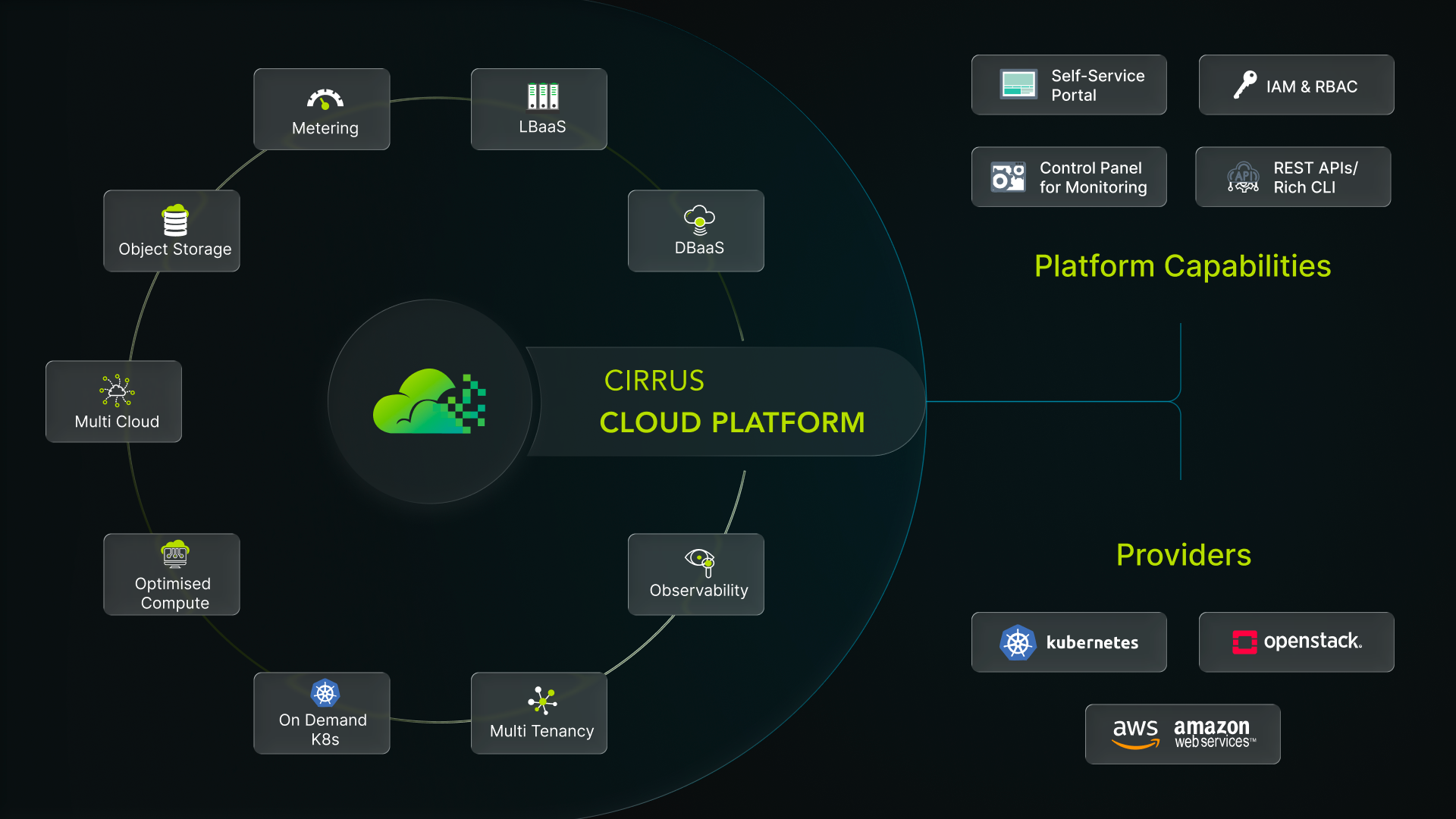
Both portals share the same underlying CCP platform, ensuring consistent RBAC enforcement, audit trails, and resource governance across all interactions.
Key Benefits
- Unified Hybrid Orchestration — A single control plane provisions and manages both IaaS (OpenStack VMs, bare metal) and Kubernetes workloads, so teams don't need separate tools or workflows for VM-based and container-based infrastructure.
- Self-Service at Scale — End users provision Compute, Storage, Networking, and Kubernetes resources on demand through the Self-Service Console, cutting request-to-delivery time from days to minutes without waiting on platform operators.
- Consistent Multi-Tenant Security — Every action, in either portal, is enforced through the same multi-tenant IAM, fine-grained RBAC, and audit trail — so permissions and compliance posture stay consistent regardless of who is logging in or what they're managing.
- Built-In Governance & Cost Control — Quota packages, showback, and metering are native to the platform, giving administrators real-time visibility into consumption and the ability to cap usage before it becomes a cost or capacity problem.
- High Availability by Design — Active-Passive control plane clustering, multi-AZ placement, and geo-replicated backups are built into the architecture, not bolted on — so resilience doesn't depend on how a given service happens to be deployed.